

Haruna
Discover Haruna, a highly customizable open-source media player for Linux. Read our review of its advanced features, playlist controls, and integration.
A New Standard for Linux Media Playback
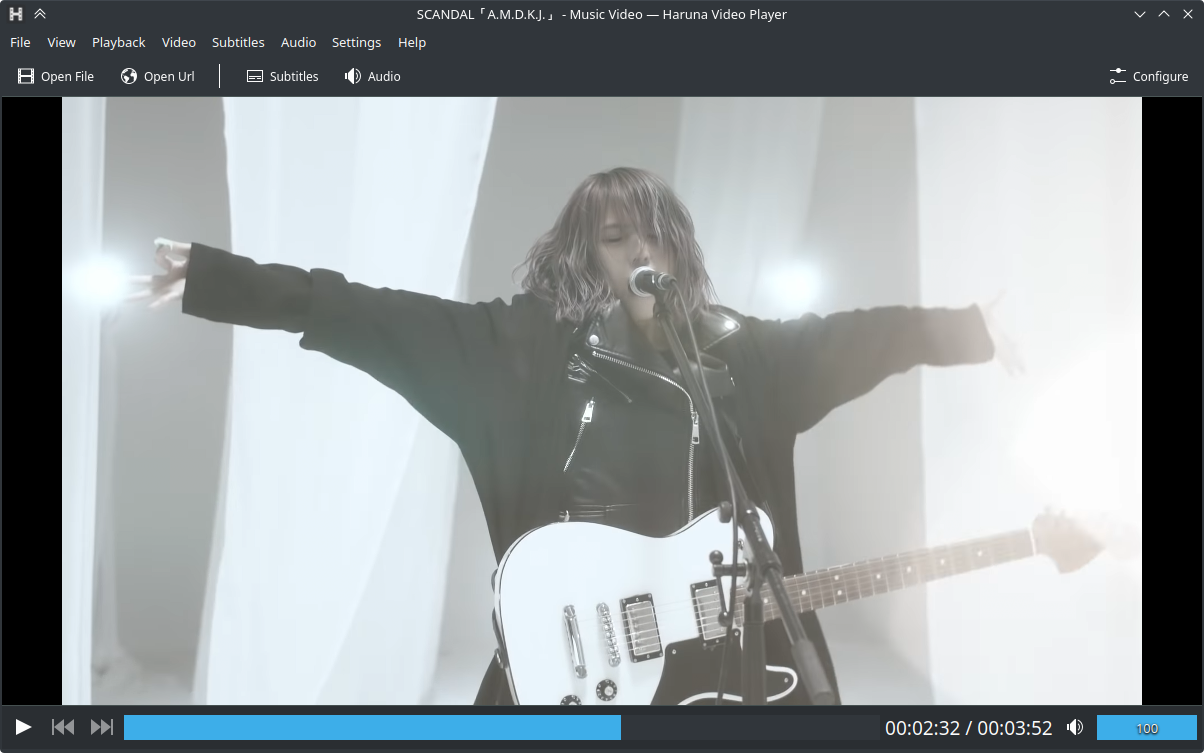
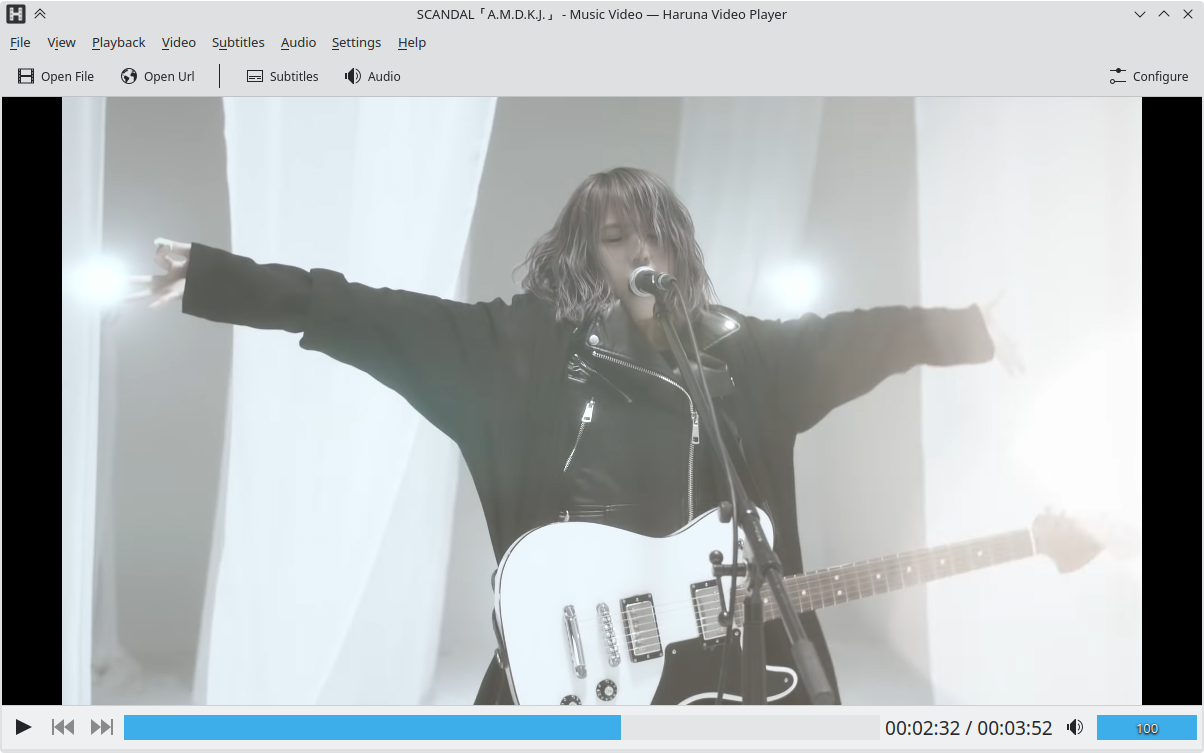
For Linux users who demand granular control over their video playback experience, standard players often fall short. The Haruna Linux media player steps into this gap by offering an open-source, highly adaptable environment that adapts to your exact workflow. Developed by George Florea Bănuș, this application stands out not just for its playback capabilities, but for how seamlessly it integrates modern online streaming conveniences directly into a desktop client.
Key Features of the Haruna Linux Media Player
What makes this software unique is its balance of local file performance and online integration. Rather than forcing you to switch between browser tabs and desktop applications, it unifies your viewing habits. Here are the core functionalities that define the experience:
- Direct Online Video Integration: Powered by youtube-dl, you can play online videos directly within the player interface, bypassing resource-heavy web browsers.
- Seamless Playlist Support: Full compatibility with online playlists makes binge-watching or listening to curated tracks effortless.
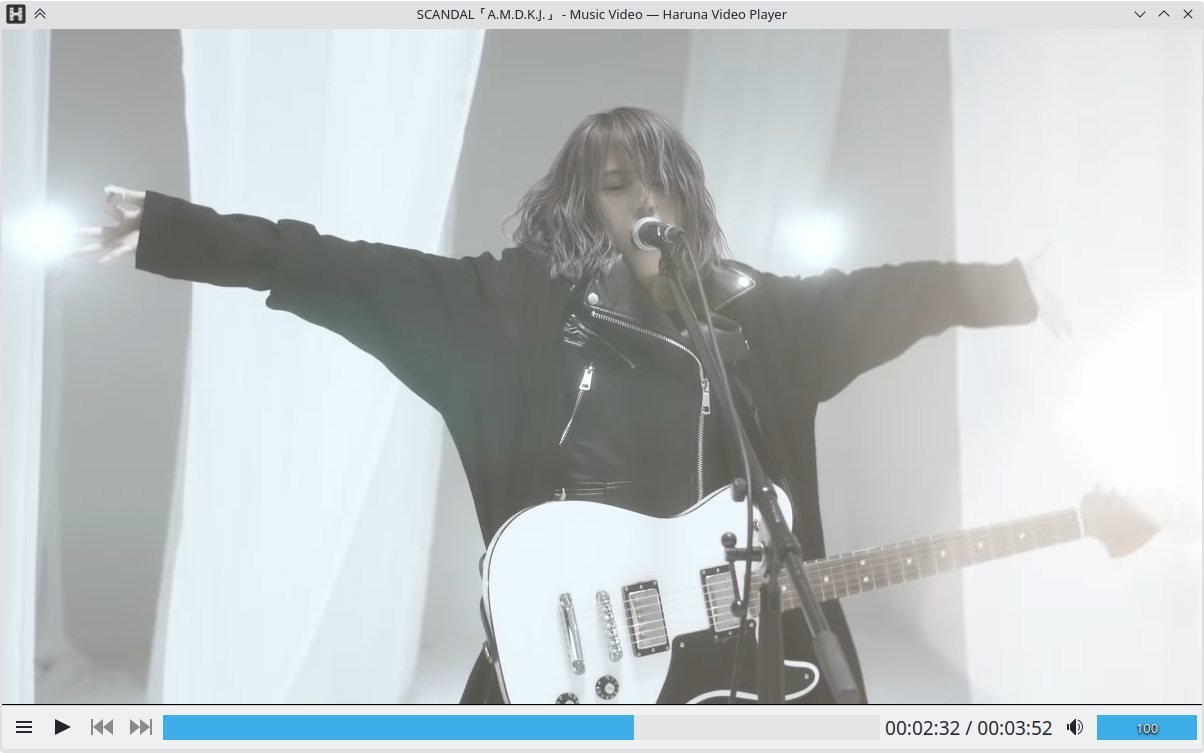
- Intelligent Playlist Overlay: Access your queue instantly. A simple mouse-over toggles the playlist, which overlays cleanly on top of the active video without disrupting your view.
- Automated Content Skipping: Save time by configuring the player to automatically skip chapters containing specific, pre-defined words.
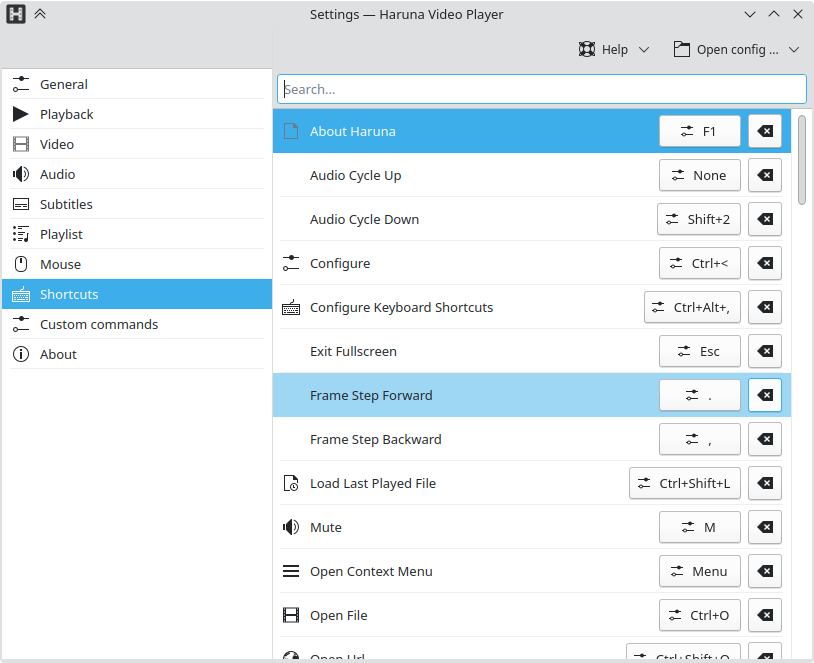
- Customized Control Scheme: Tailor your interaction with fully configurable keyboard shortcuts and mouse button actions.
- Rapid Chapter Navigation: Jump instantly to the next chapter with a quick middle-click on the progress bar.
Tailored for Power Users
The Haruna Linux media player is designed specifically for power users who appreciate efficiency. By allowing deep configuration of mouse buttons and shortcuts, it transforms from a simple utility into a tailored productivity tool for media consumption. The automated chapter-skipping feature is particularly useful for educational content, tutorials, or structured broadcasts where you want to bypass repetitive segments automatically.
The Verdict: A Must-Have for Linux Desktops
If you are running a Linux distribution and want a playback tool that values your time and system resources, this application is an exceptional choice. It moves away from the rigid structures of traditional players, offering an open-source alternative where the user defines how the interface behaves. To explore this versatile player, head over to the official Flathub store page to learn more and install it on your system.