
Camera
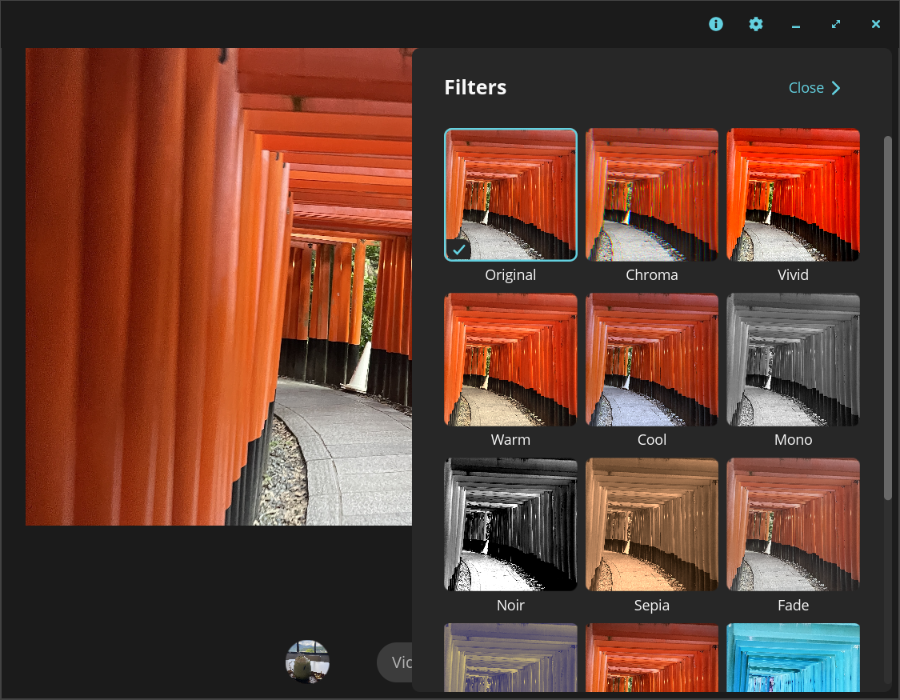
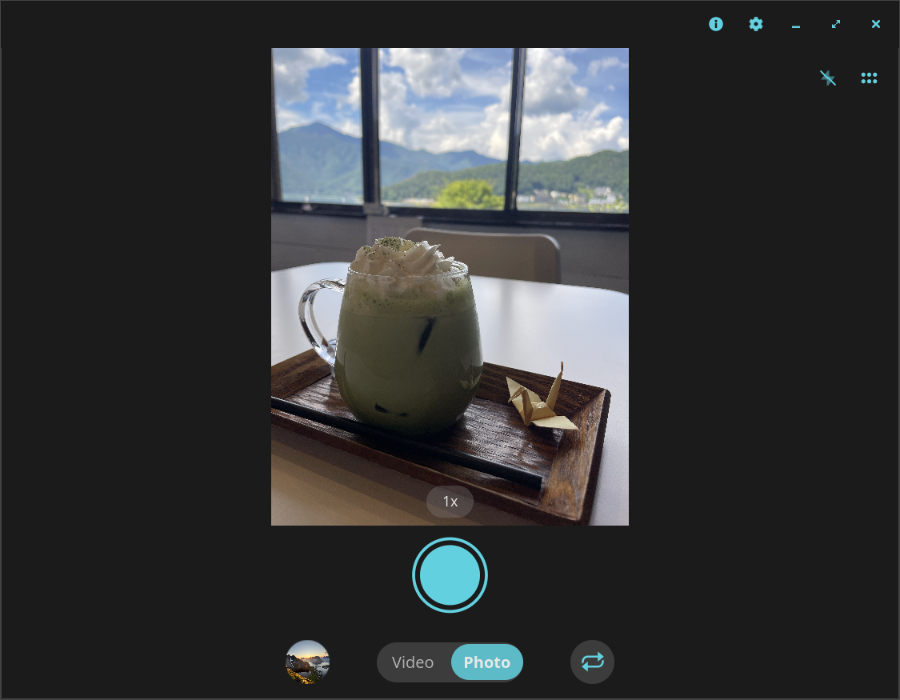
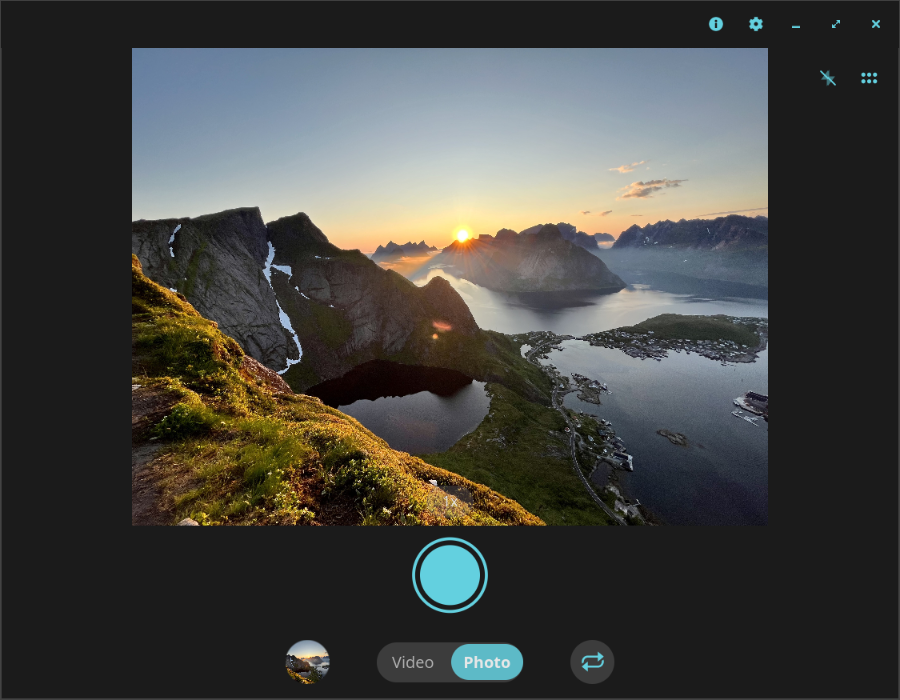
Discover Camera for COSMIC desktop. Read our review of this Linux webcam tool featuring real-time filters, virtual camera mode, and QR scanning.
A Versatile Imaging Tool for Modern Linux Desktops
Imagine you are preparing for an important virtual presentation or trying to scan a quick QR code on your Linux workstation, only to find your default webcam tool lacks the necessary flexibility. The Camera app for COSMIC desktop, developed by Frederic Laing, solves this exact problem. Designed specifically for the Linux platform, this native utility provides a streamlined, high-performance interface that stays completely out of your way while delivering advanced utility features.
Key Features of the Camera App for COSMIC Desktop
This application is more than just a simple preview window; it is a full-featured media capture utility tailored for modern desktop workflows. Here are the core capabilities that set it apart:
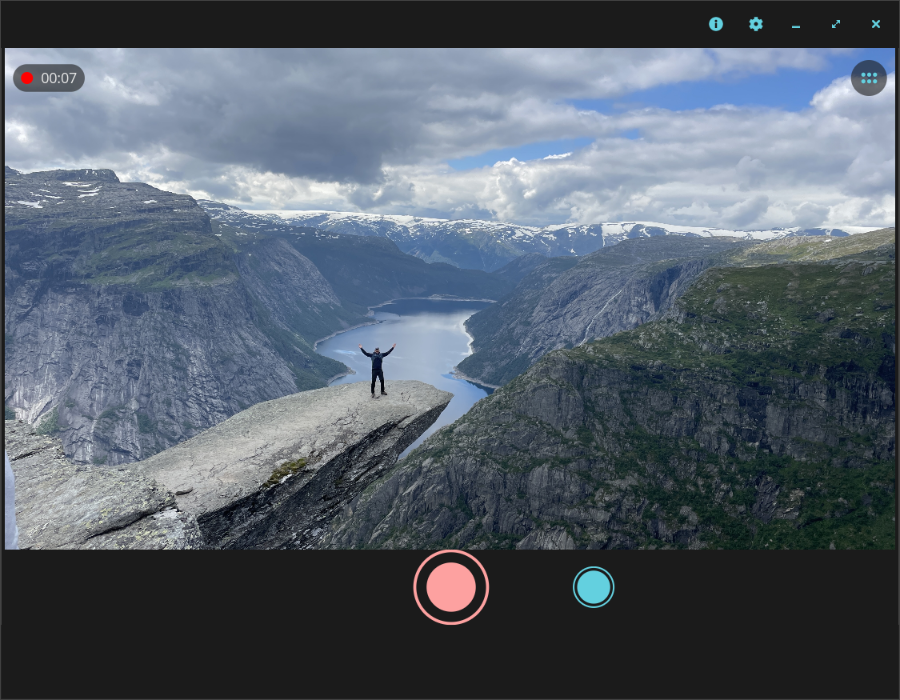
- Hardware-Accelerated Capture: Enjoy high-quality photo and video recording that utilizes your system's hardware resources efficiently, minimizing CPU overhead.
- Virtual Camera Mode: Broadcast your filtered camera feed directly into third-party video conferencing applications, allowing you to maintain a professional or creative look during live calls.
- Creative Visual Filters: Choose from 15 distinct filters, including Mono, Sepia, Vivid, Noir, and Pencil Sketch, to instantly alter your appearance or match the mood of your project.
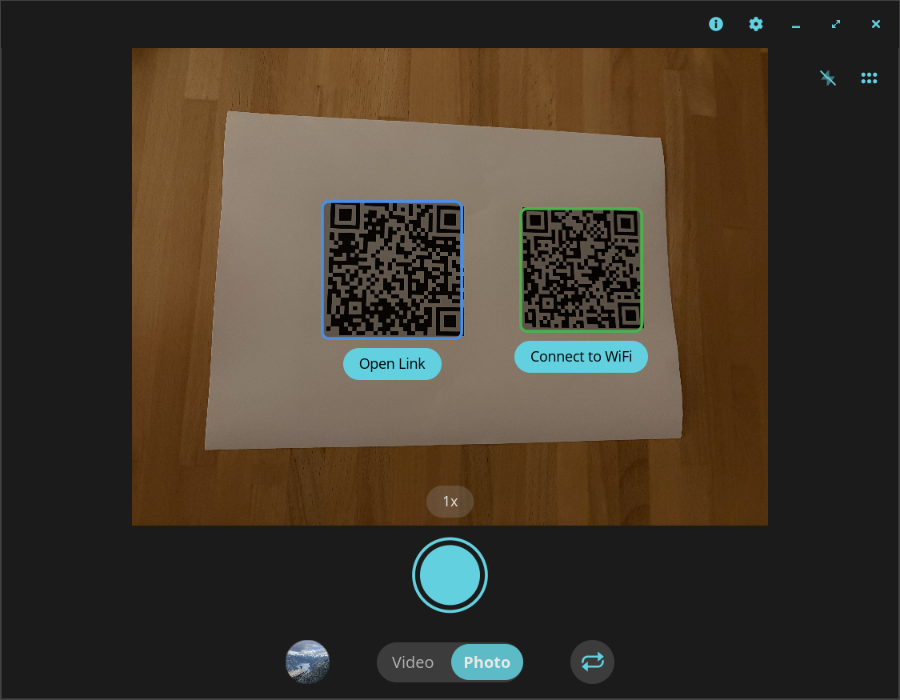
- Integrated QR Code Scanner: Eliminate the need for secondary devices by scanning QR codes directly on your screen to open web links or connect to wireless networks instantly.
- Theatre Mode: Switch to a distraction-free, fullscreen preview mode designed for focusing entirely on your frame.
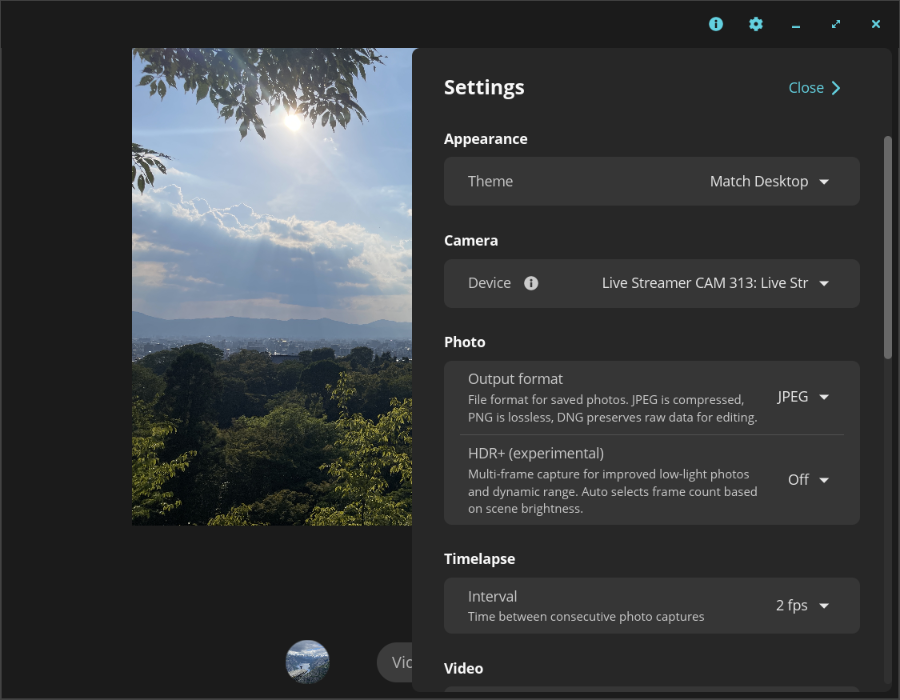
- Seamless Multi-Device Support: Quickly toggle between different connected cameras and microphones to manage complex hardware setups without restarting the application.
Who Is This Application For?
The Camera app for COSMIC desktop is ideal for Linux enthusiasts, developers, and remote professionals who require a reliable utility for daily virtual meetings or quick media capture. Its integration with the COSMIC desktop environment ensures visual consistency and native performance, making it a valuable addition to any productivity suite under the entertainment and utility categories.
Get Started with the Official Release
If you are looking to enhance your webcam experience with creative filters and robust virtual camera tools, this application is highly recommended. To explore its features firsthand, head over to the official Flathub store page to view installation details and system requirements for your specific Linux distribution.