
GPU Screen Recorder
Read our comprehensive review of GPU Screen Recorder for Linux. Discover how this lightweight tool captures high-quality desktop video with minimal lag.
Imagine you are in the middle of an intense Linux gaming session or demonstrating a complex software workflow, and you want to capture your screen without your frame rate taking a massive hit. Traditional CPU-bound recording tools often cause noticeable stuttering and system lag. This is where GPU Screen Recorder Linux capture software steps in to solve your performance bottlenecks by shifting the entire workload to your graphics hardware.
What is GPU Screen Recorder?
Developed by dec05eba, this utility is designed specifically for the Linux platform to deliver ultra-efficient desktop capturing. Operating similarly to ShadowPlay on Windows, this tool records your monitor using the GPU exclusively. By bypassing heavy CPU processing, it stands out as one of the fastest and least intrusive screen recording solutions available for Linux users running AMD, Intel, or NVIDIA hardware across both X11 and Wayland display servers.
Key Features and Capabilities
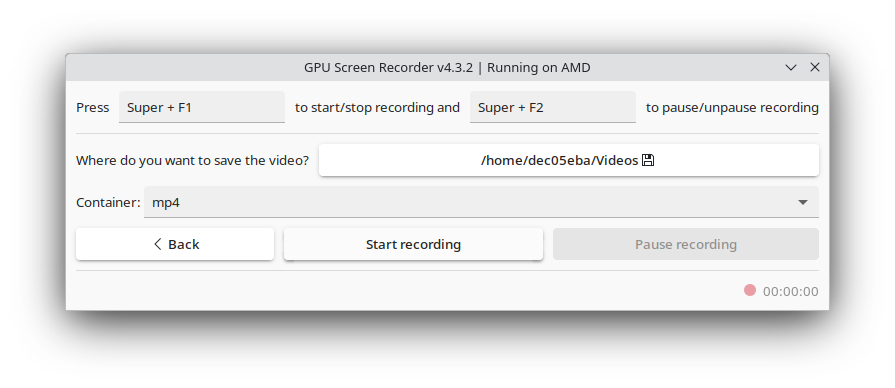
Whether you need to archive a local tutorial or broadcast your gameplay, this application provides robust functionality tailored for high performance:
- Hardware-Accelerated Recording: Achieves near-zero system impact by utilizing your GPU for all encoding tasks.
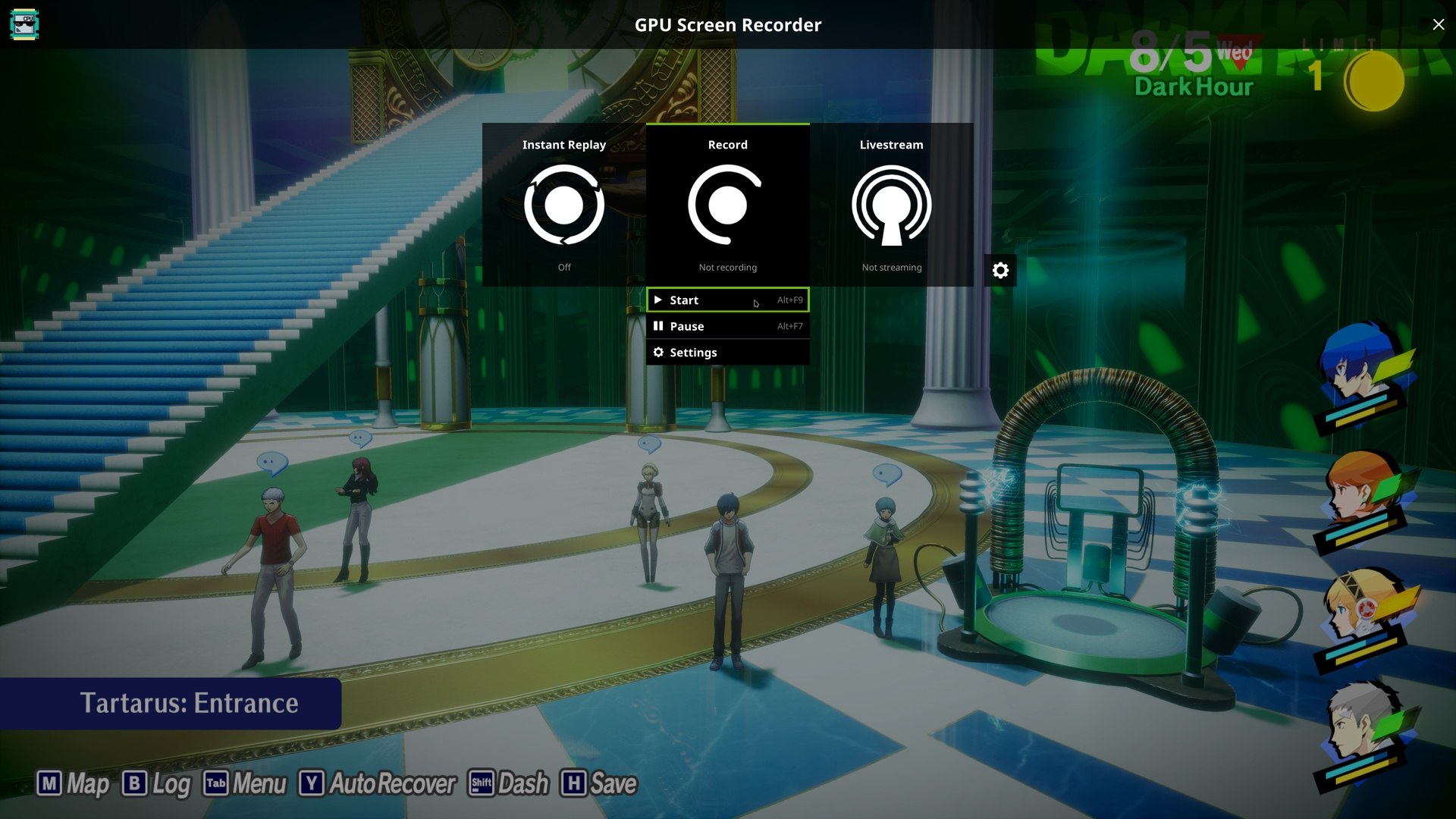
- Instant Replay: Saves only the last few minutes of your screen activity to disk, ensuring you never miss a great gaming moment.
- Live Streaming Support: Stream your desktop directly to your favorite platforms with minimal overhead.
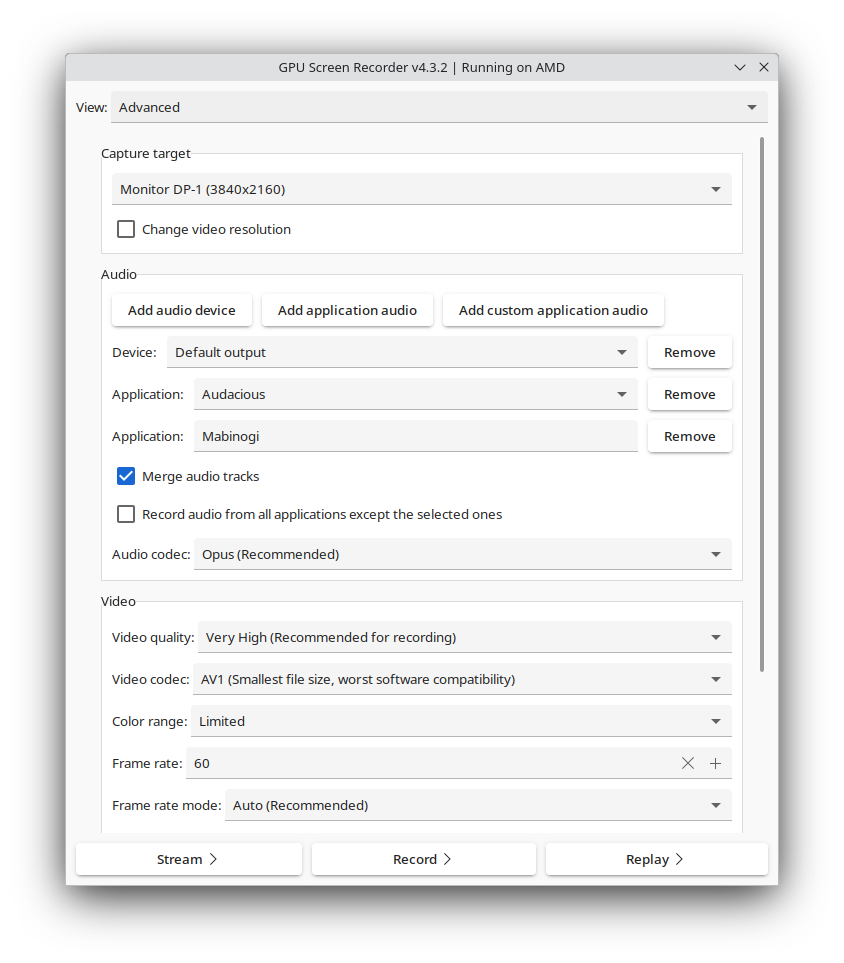
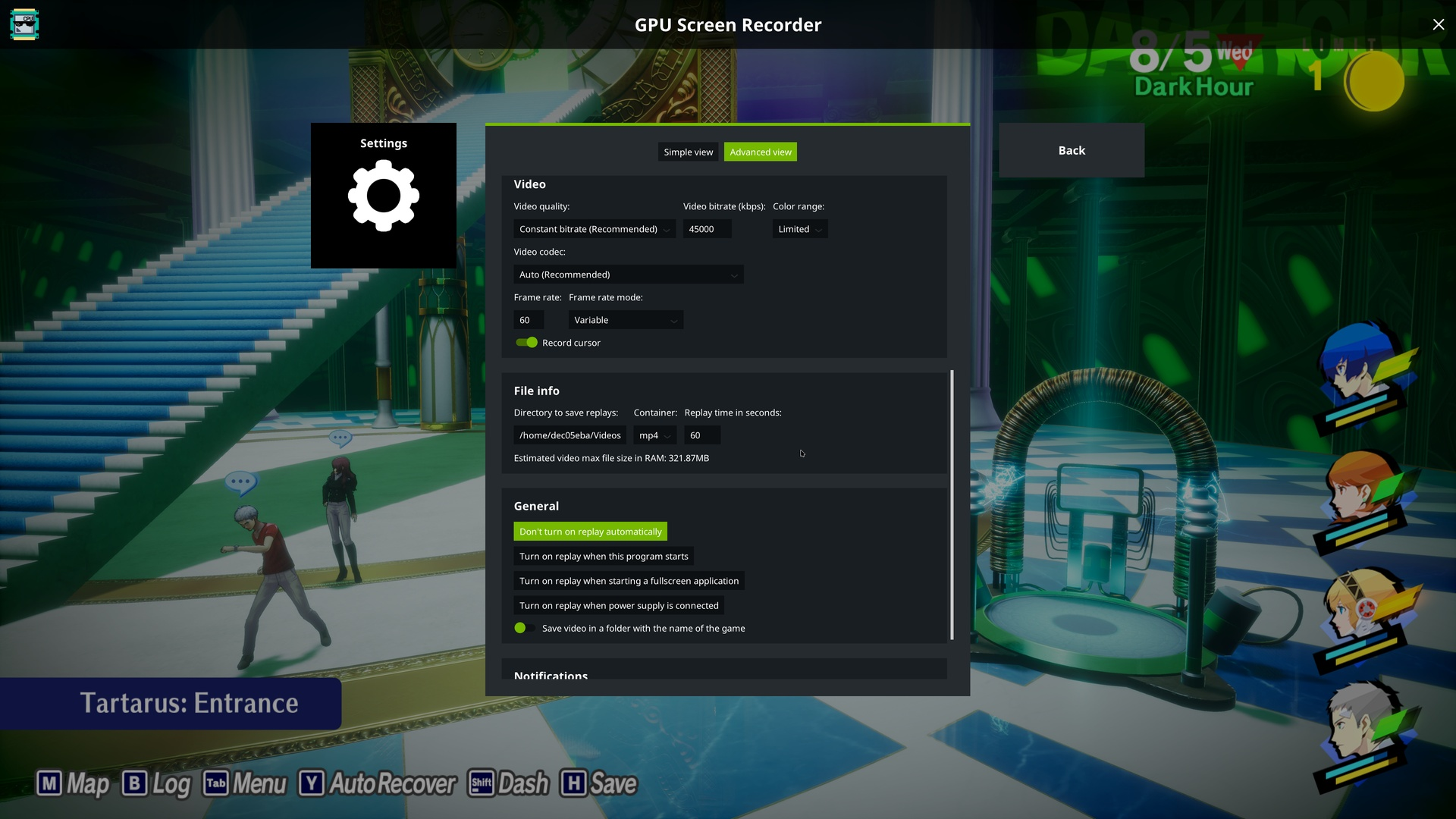
- Broad Codec Support: Works with modern video codecs including H264, HEVC (with optional HDR), AV1 (with optional HDR), VP8, and VP9. Audio is handled via high-quality Opus or AAC.
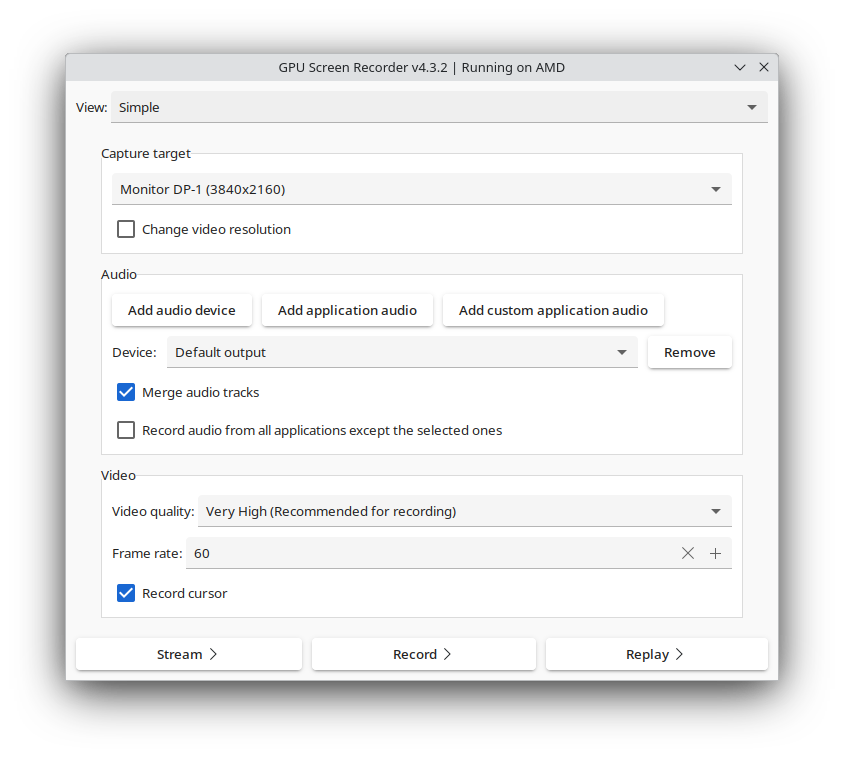
- Flexible User Interfaces: Offers a traditional GTK interface alongside an experimental, immersive fullscreen overlay UI accessible via a hotkey shortcut.
Who is this Linux Capture Tool For?
The GPU Screen Recorder Linux capture software is perfect for gamers who require smooth, high-framerate captures, as well as content creators looking for dependable offline desktop recording. Because it supports variable and constant frame rates, users can easily optimize their output files for stutter-free playback on standard media players like MPV.
Important Usage Considerations
While highly efficient, users should note a few platform-specific details. For instance, AV1 support on NVIDIA cards currently requires installation from source or your system's package manager rather than the Flatpak build. Additionally, if you utilize keyboard remapping software, you may need to configure it to ignore the virtual keyboard device created by the recorder's new overlay UI to avoid input conflicts.
Our Verdict
For Linux users seeking a streamlined, hardware-accelerated capturing solution that mirrors the convenience of Windows-based GPU recorders, this tool is an exceptional choice. It eliminates the performance penalties of traditional software encoders and delivers pristine video quality. To try this utility on your system, visit the official Flathub store page to get started.