
Starlink
Discover how the Starlink satellite internet setup app helps you position your dish, track connectivity, and manage your high-speed home network.
While traditional internet options rely on terrestrial cables, the Starlink satellite internet setup app serves as the essential digital bridge to high-speed, low-latency orbital connectivity. Developed by Space Exploration Technologies Corp., this utility is not just an optional dashboard; it is a critical tool designed to help users configure, monitor, and optimize their satellite hardware from the palm of their hand.
The Critical Role of the Starlink Satellite Internet Setup App
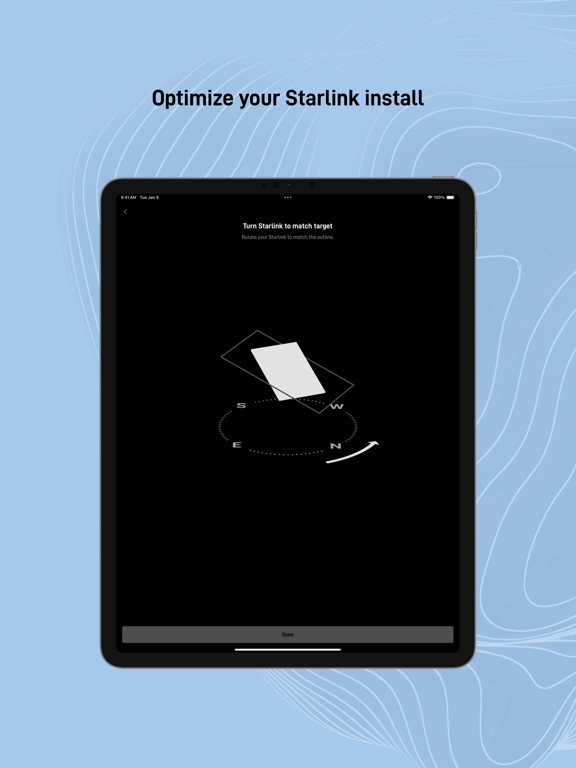
Getting orbital internet running efficiently requires precise alignment and a clear view of the sky. The primary function of the Starlink satellite internet setup app is to take the guesswork out of hardware placement. By utilizing your mobile device's camera and sensors, the application allows you to scan the surrounding environment to detect physical obstructions like trees, roofs, or overhanging branches that might interrupt your signal.
Key Features and Hardware Management Tools
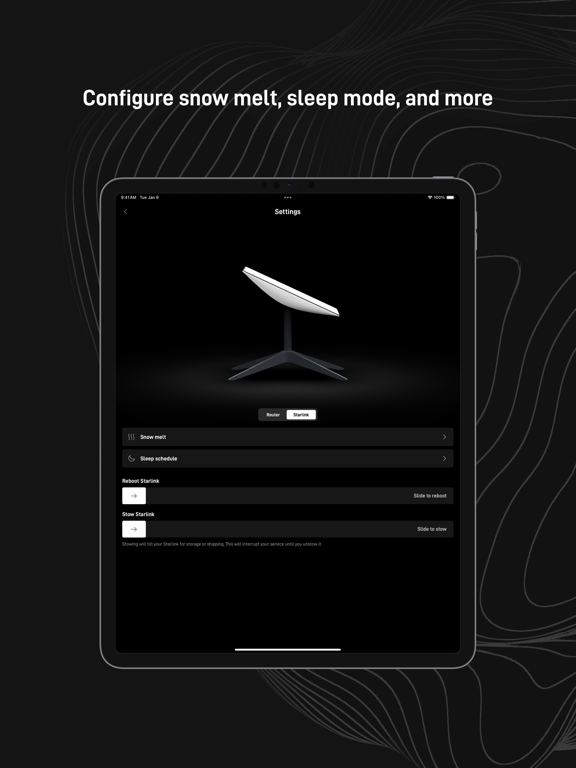
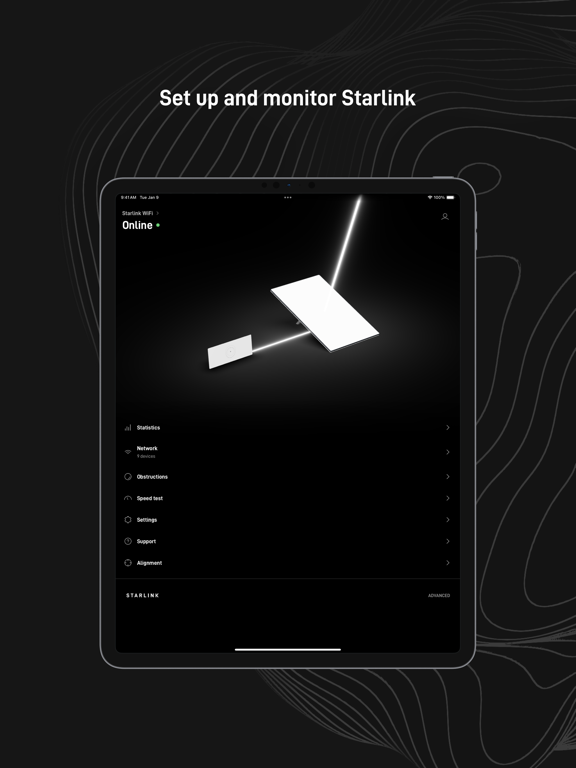
Once your hardware is physically in place, the application acts as your central command center. It offers a comprehensive suite of diagnostic and management tools designed to keep your connection stable:
- Interactive Obstruction Finder: Visually map the sky above your installation point to ensure an uninterrupted line of sight to the satellite constellation.
- Guided Hardware Installation: Step-by-step instructions make the initial physical alignment and cabling process straightforward for non-technical users.
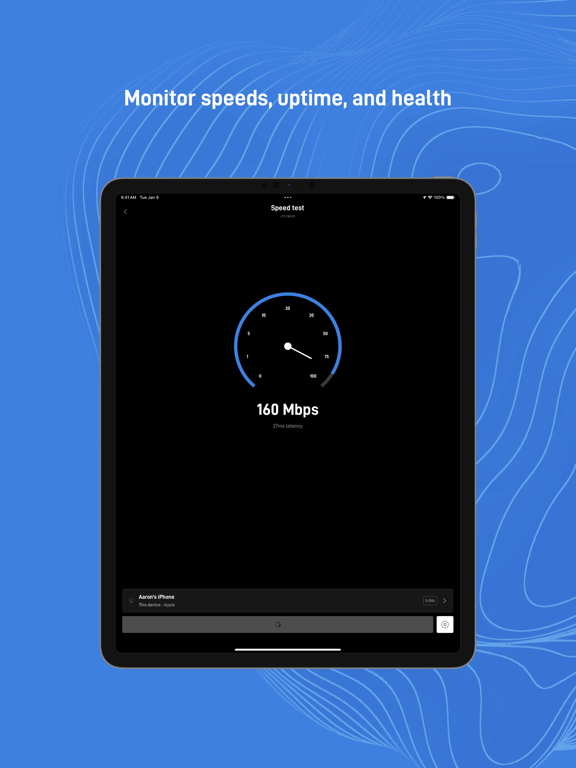
- Real-Time Connection Statistics: Monitor your current latency, download speeds, and overall network stability through intuitive graphs.
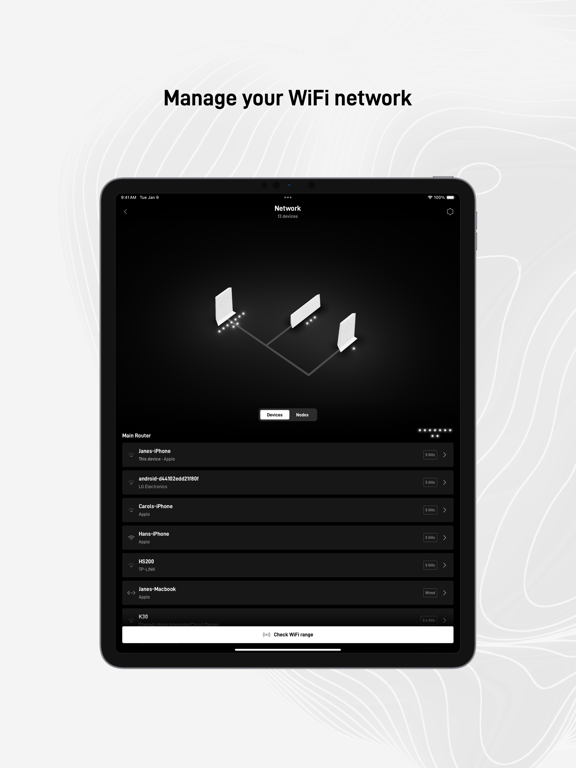
- Local Wi-Fi Diagnostics: Test the strength of your wireless signal in different rooms of your home to identify coverage dead zones.
- Connected Device Inventory: View a complete list of all smartphones, laptops, and smart home tech currently utilizing your bandwidth.
- Troubleshooting & Support: Receive instant alerts regarding localized service interruptions and access direct customer support channels when hardware issues arise.
Who Is This Tool For?
This utility is indispensable for anyone deploying Starlink hardware, particularly those living in remote, rural, or off-grid locations where reliable terrestrial broadband is unavailable. Whether you are setting up a permanent residential connection or configuring a mobile terminal on an RV, the application ensures you achieve the maximum possible throughput by eliminating installation errors.
Optimizing Your Orbital Connection
A successful satellite deployment relies entirely on placement accuracy. By leveraging the built-in diagnostic tools, users can proactively prevent dropouts rather than reacting to poor service later. It transforms a complex aerospace network interface into an accessible, user-friendly home utility.
To begin configuring your hardware and monitoring your network performance, search for the application on the official iOS App Store today.